
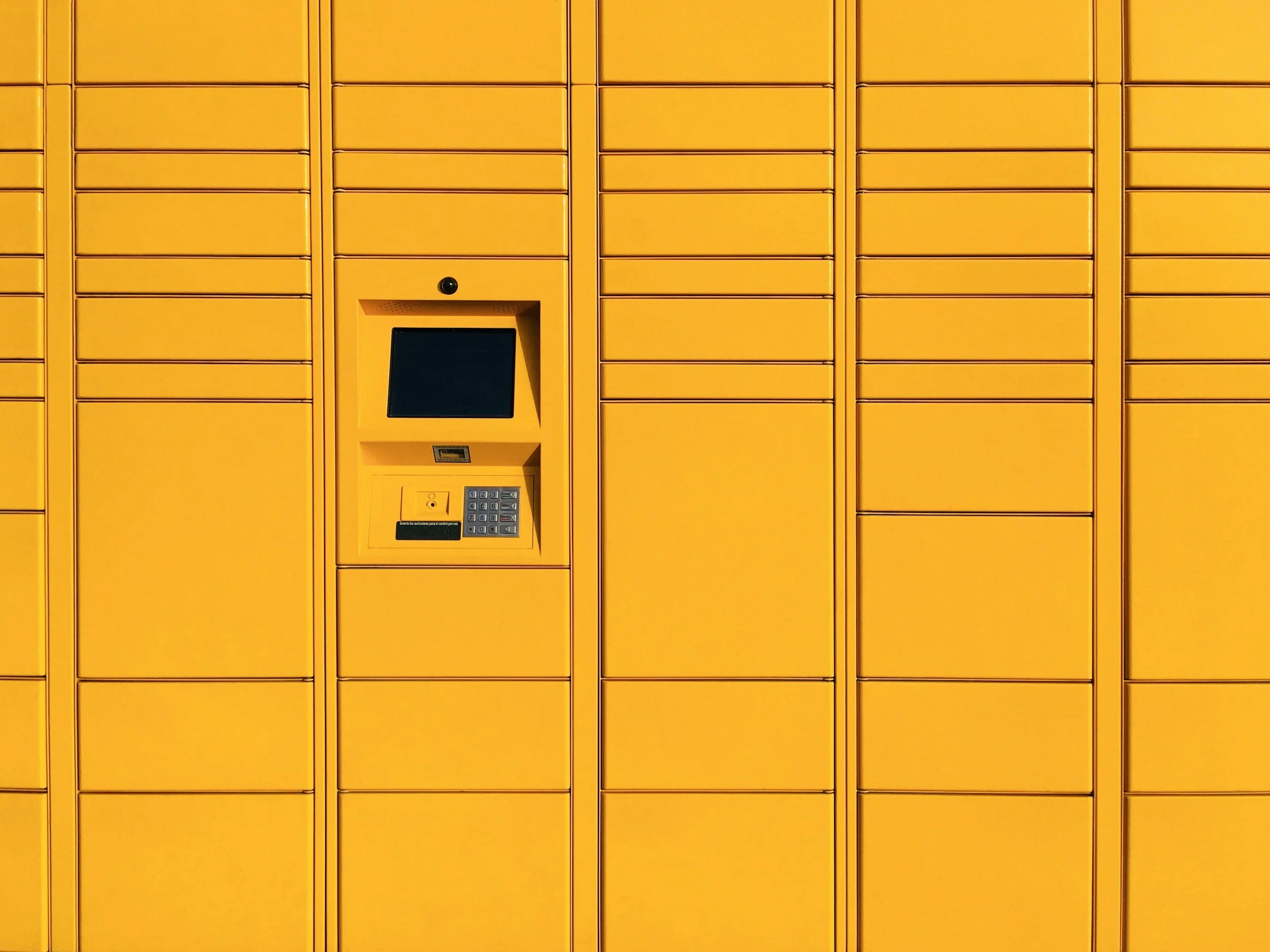
24/7 SmartAxess™ Library Lockers at the Westwood Public Library
The Westwood Public Library offers 24/7 SmartAxess Electronic Library Lockers. These lockers provide 24/7 access to books and materials when you need them. Patrons retrieve their books by simply passing their library card under the bar code reader. The System recognizes the patron and opens the locker with their requested materials. So if you work late and can’t make it to the library before we close our doors in the evening, then your material can still be waiting for you after-hours.
How to Use the Westwood Library Smart Lockers
1. Place a Hold for Locker Pickup Search for your item in the BCCLS catalog. Click “Place Hold.” When asked to choose a pickup location, select Westwood Lockers.
2. Move Existing Holds to the Lockers If you already have items waiting on our hold shelf, we can transfer them to the lockers. Call us 201-664-0583, or Email: wewdcirc@bccls.org and request that your holds be placed in the lockers.
3. Notification When Your Items Are Ready We will notify you by email or phone once your items have been placed in a locker.
4. Picking Up Your Items Bring your library card with you. Scan your card at the locker kiosk to open your assigned locker. Retrieve your items—pickup is available 24/7.